

Overview
Open Merchant Finance from the user menu (top-right avatar) or at/merchant/dashboard/finance. This is your merchant-level view — all your stores’ settled revenue flows here, and you request payouts from here.
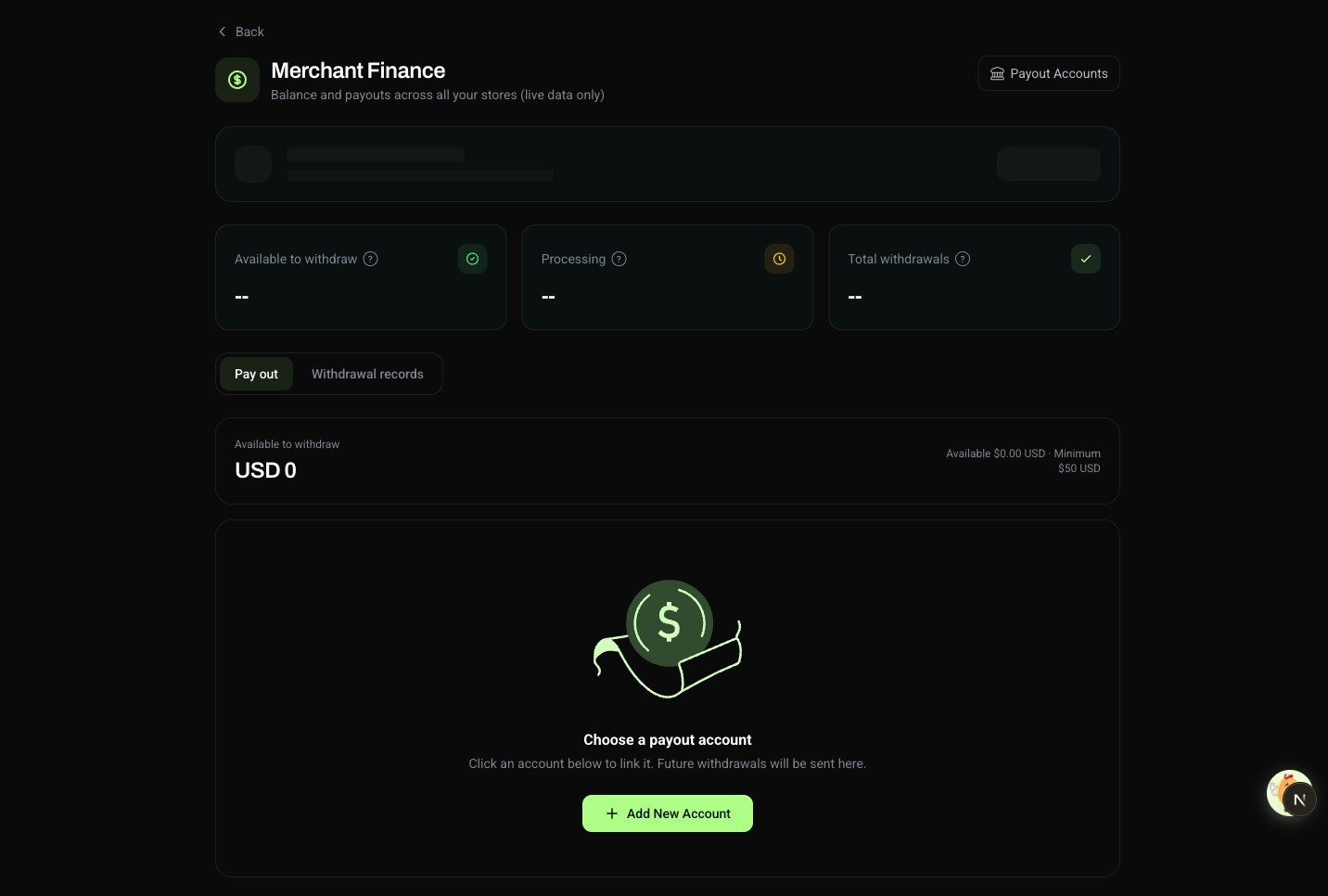
Balance Indicators
Three KPI cards at the top of the page summarize your funds:Tabs
If you haven’t bound a payout account yet, a banner at the top links to Payout Accounts.
Payout Accounts
Payout accounts live at the merchant level — all your stores share the same set. Manage them under Payout Accounts.Current coverage: mainland China, settled in CNY, via bank card or Alipay. More regions and currencies are on the roadmap — contact support to let us know what matters most.
Fees
Two kinds of fees apply to the amount that lands in your account:- Transaction fee — deducted from each successful payment at the time of settlement. The Net column reflects what you actually receive after this.
- Payout fee — charged when you initiate a payout from your merchant balance.